App Listing Details
Apps are what integrate with Jobber's API using the OAuth 2.0 authorization framework. This enables applications to get limited access to a Jobber account. Jobber grants access through user authentication which is delegated to your third-party app.
Publishing Your App on the Marketplace
If you wish to have your app published on Jobber's
App Marketplace, you can use the
Request a review action from the Manage Apps page. Your app will go
through a
testing and approval
process. Note that in order to submit for review you must have Two-Factor
Authentication enabled on your Developer Center account and your app must have
an app logo uploaded.
Your listing on the marketplace will use the App name, Developer name,
App description, Manage App URL, Features or benefits, Gallery images,
and App logo fields. Note that the Manage App URL field is optional for a
basic listing. Your app will look like this after being published:
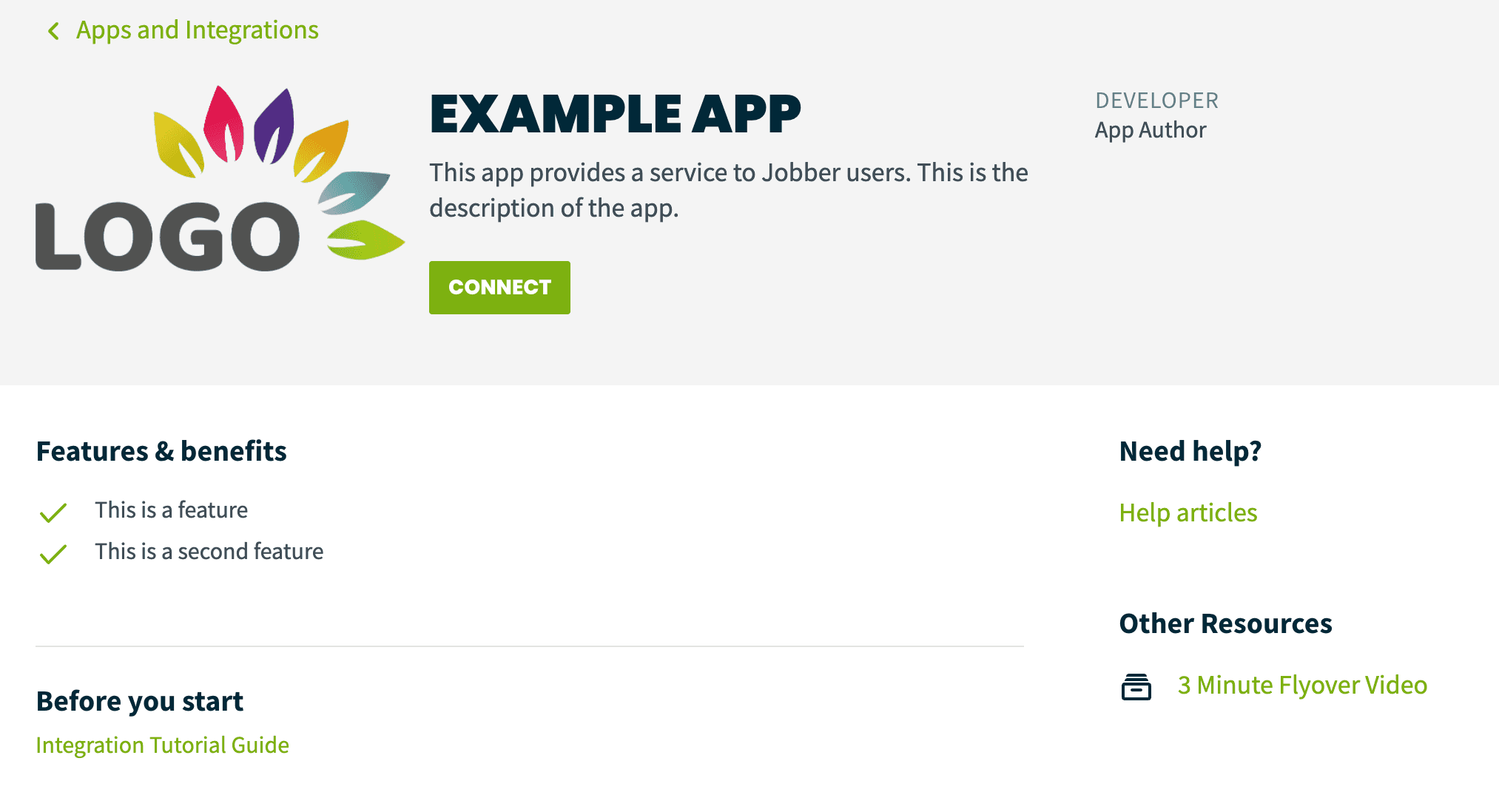
When a user Connects your app, your app listing will display a Disconnect
button as shown below:
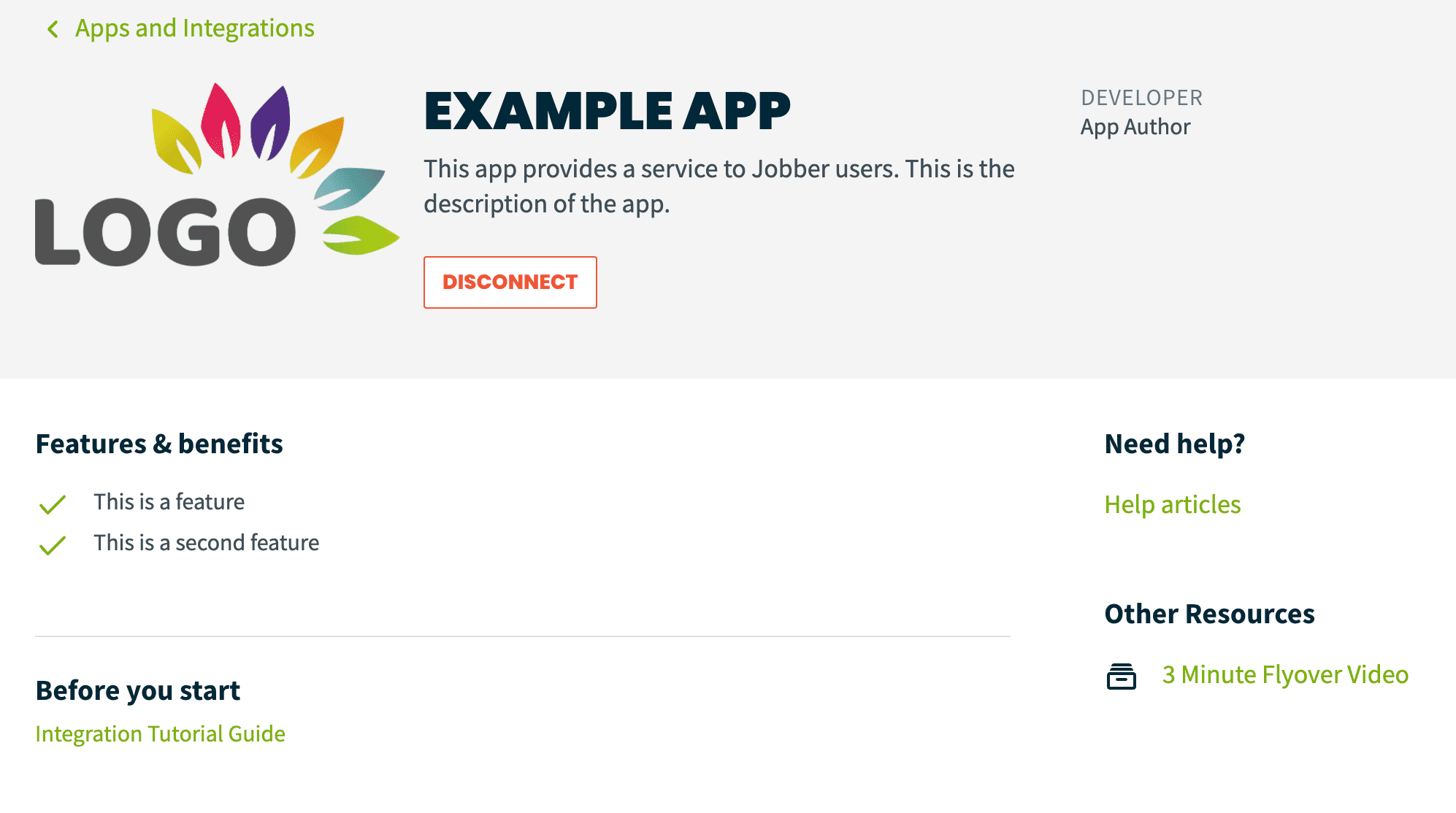
Note: the details for the “Need help?”, “Other resources”, and “Before you start” sections can be configured after submitting an app for review.